
For iPhone
You forget where you parked.
One tap, Parky remembers.
You step out of the car and press once. That is the whole thing. Parky holds on to the spot and walks you back to it — three days later, in a garage you have never seen before.
Free. No account. Nothing leaves your phone.
See how it works


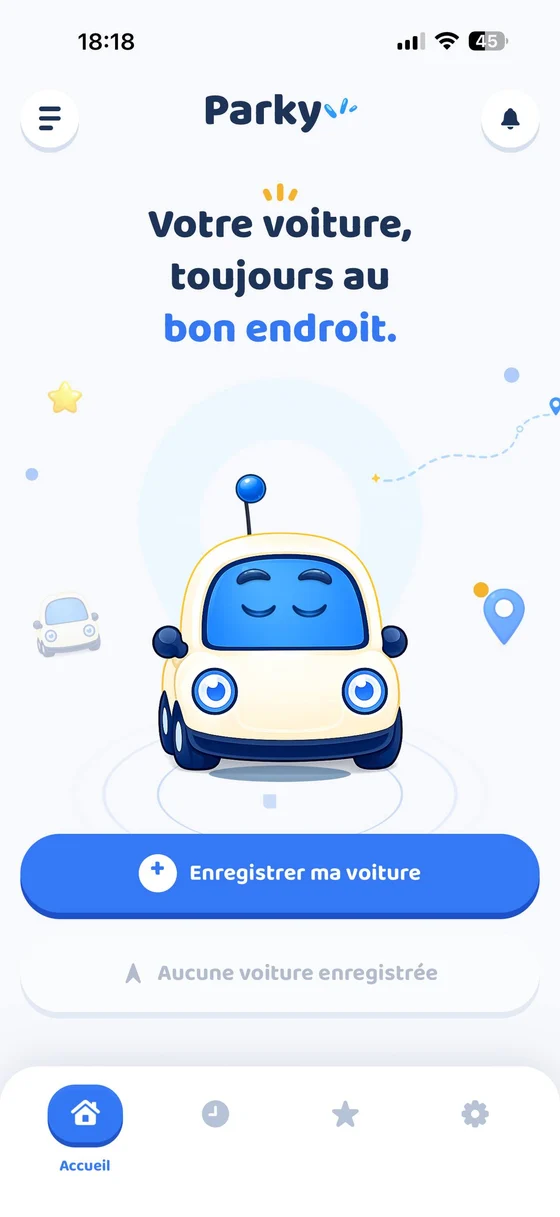
Three seconds, start to finish
Parking is the only part you have to do
- 01
You park
Press and hold the big button. Holding is deliberate — nothing gets saved by accident at the bottom of your pocket.
- 02
You walk away
Add a photo of the aisle, the level, the bay number. Or nothing at all — on the street, the position is enough.
- 03
You come back
The arrow points at the car, the distance counts down. At twenty metres the mascot pops up: you are there.
What is inside
Built for the moment you are in a hurry
Every feature answers one real situation. No dashboard, no statistics — you open this app because you are looking for your car.
One press and it is kept
Saving takes a press and hold, and buzzes when it lands. You know it worked without looking at the screen.
The way back
A map, an arrow, a distance counting down. Prefer your usual navigation? The route opens in Maps in one gesture.
The detail that saves you
Level −3, aisle J, bay 214. A photo of the sign beats any landmark. All optional, all kept on the device.
The meter will not catch you
Set when the parking runs out. Parky warns you ten minutes ahead, then right on time — with a car horn you will not sleep through.
Automatic detectionPro
Parky notices you have parked and saves it for you. Built on the geofences iOS already runs rather than continuous GPS, so listening costs the battery almost nothing.
Right on the Lock ScreenPro
A widget and a Live Activity show the distance and the time left on the meter, without opening the app.
Share the spot
Send the location to whoever is taking the car next. A link, nothing more, and only when you decide to.
History and favourites
Look back at recent parkings, pin the places you use every week — the office garage, the one by the station.
In pictures
Three screens and you have seen it all
There is no hidden menu and no setting to figure out. The app is one button, one card and a goodbye.
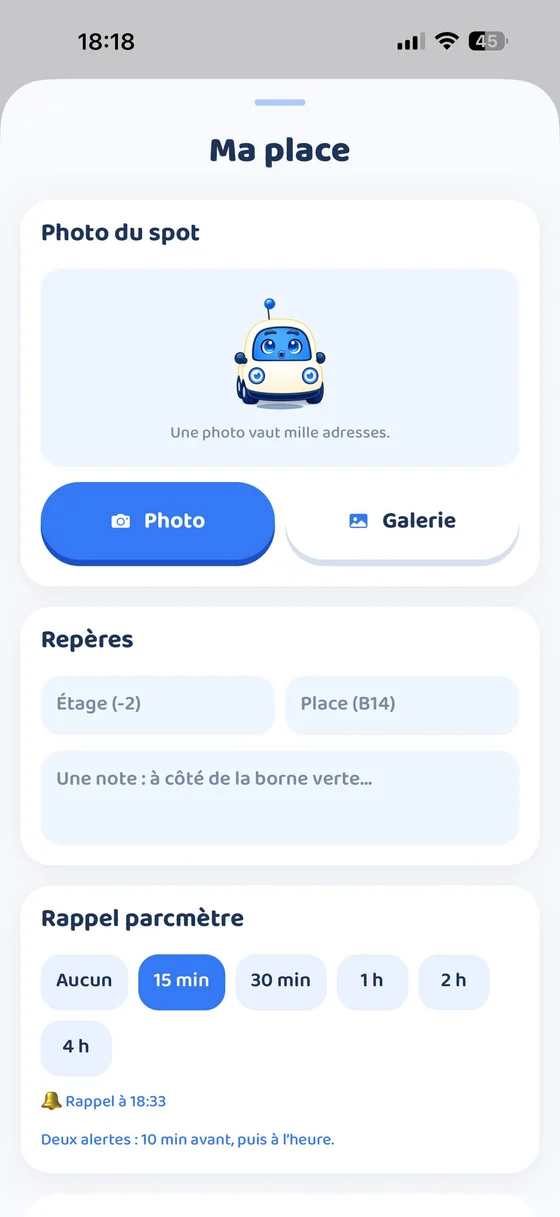
The details that matter
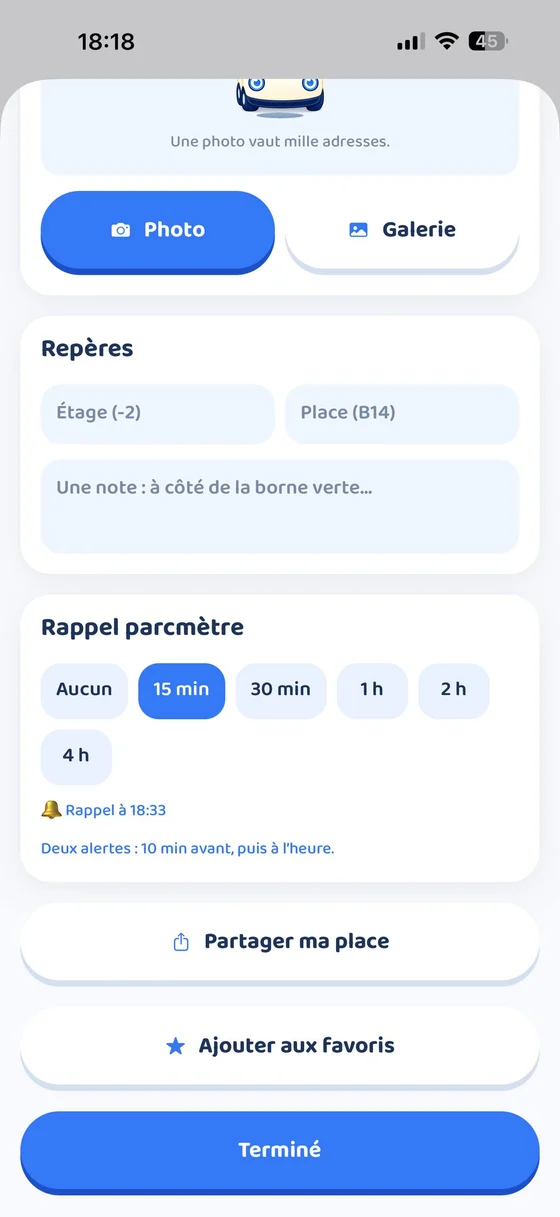
Share it or pin it
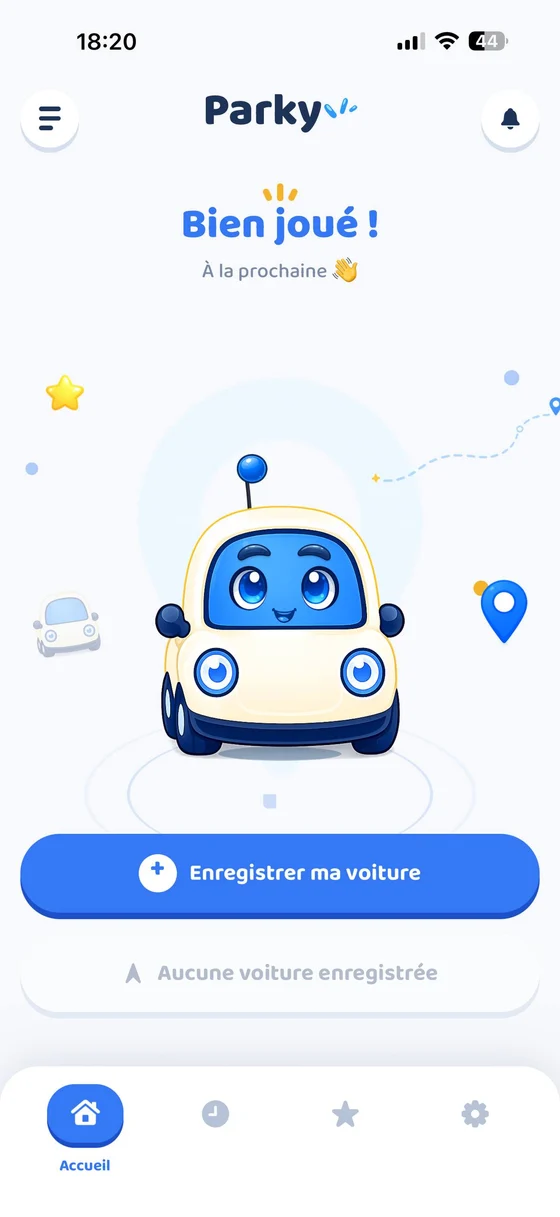
And you are done
Privacy
Nothing leaves your phone
Where you park says where you live, where you work, whose place you slept at. That is precisely the kind of data nobody should be collecting — so we do not collect it.
Read the privacy policyNo account
No email, no password, no sign-up. You open the app and it works.
No server
Your positions, photos and notes are written to your iPhone’s storage. They travel nowhere.
No trackers
No analytics, no ads, no third-party network. The app does not know how often you open it.
You erase whenever you want
Deleting a parking deletes it for good. Uninstalling the app takes everything with it.
Questions
What people ask most
Does Parky work without a signal?
Mostly, yes. Saving a spot and the compass back to it use GPS, which needs no internet. Only the map background needs a connection to load — without one, the arrow and the distance are enough to get you there.
Will constant location tracking drain my battery?
Parky does not track constantly. Automatic detection sits on the geofences iOS already maintains, handled by a dedicated low-power chip that only wakes the app when it matters. Precise GPS turns on for a few tens of seconds, just long enough to confirm you really parked.
Why press and hold to save?
Because a single tap gets triggered in a pocket or a bag, and nothing is more annoying than a phantom save halfway through a drive. The hold lasts half a second and buzzes when it registers.
What happens when I switch iPhone?
Your parkings live on the device. An encrypted iCloud backup restores them along with the rest of your apps. Nothing passes through our servers, because there are none.
How do I cancel a subscription?
On your iPhone, in Settings → your name → Subscriptions. Cancelling is immediate and access stays open until the paid period ends. We cannot extend or stop a subscription on your behalf — Apple alone handles that.
Is there an Android version?
Not today. Parky leans on things specific to iOS — Live Activities, geofences, widgets — that deserve to be rethought elsewhere rather than translated.

Next time, you will know
Free, no account, and your position never leaves your pocket.